SEO Path
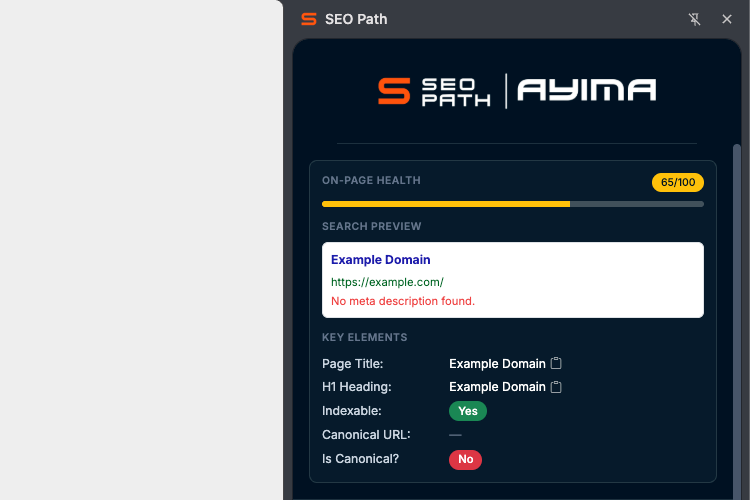
SEO Path is Ayima’s on-page SEO side panel for Chrome on the tab you’re viewing: a 0-100 health score, titles and meta, headings, indexability, and a search-style snippet preview. Coverage spans robots.txt, redirects, HTTP status, response headers, sitemaps, hreflang, schema, readability, images, duplicate patterns, and internal and broken links. Add Core Web Vitals (optional PageSpeed Insights), mobile, accessibility, and Open Graph / Twitter Cards. All analysis stays in your browser - cached for speed, with nothing sent to third parties or Ayima.
- Every on-page SEO metric
- Robots blocking and indexation
- Canonicals, hreflang and Schema
- Internal/external links and assets
Redirect Path 4
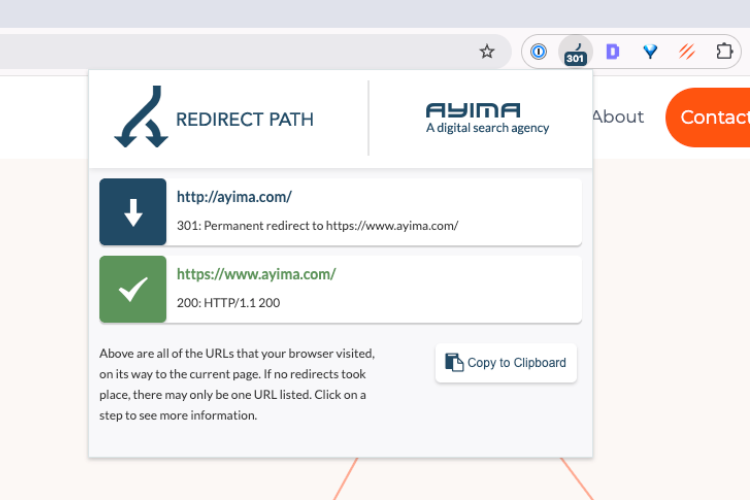
Redirect Path is Ayima's flagship SEO Chrome Extension, trusted by over 300,000 SEOs to instantly uncover redirect chains and HTTP status codes in real-time. It detects 301, 302, 404, and 500 responses, as well as JavaScript and meta redirects, directly as you browse. With full HTTP header visibility at your fingertips, it's the go-to tool for spotting redirect issues during audits, migrations, and technical troubleshooting - all without opening Chrome DevTools.
- Instant HTTP status detection
- Redirect chain visualization
- Meta & JS redirect support
- Full HTTP header access
ChatGPT Path
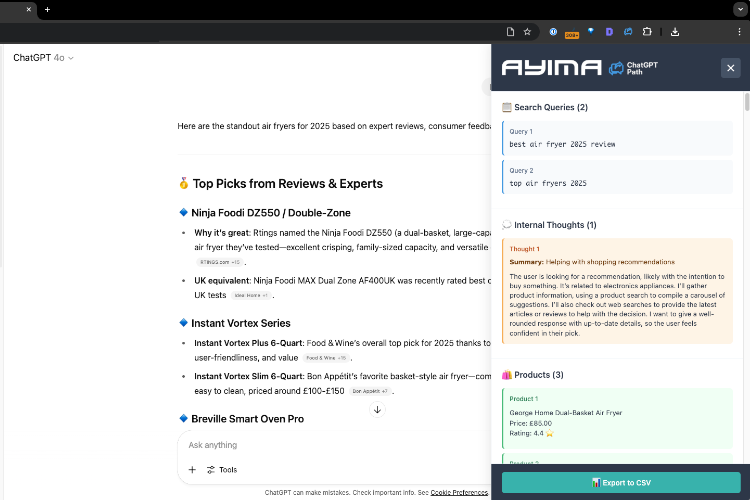
ChatGPT Path reveals behind-the-scenes insights by exposing the hidden behavior of ChatGPT during your browsing session. With a click, you can view the underlying "grounded" search queries ChatGPT uses, inspect its internal reasoning steps, and see all real-time RAG sources (the websites it cites and uses to generate answers). It's a powerful tool for SEOs and researchers, who want transparency into AI workflows and how answers are generated.
- Reveal grounded search queries
- Inspect AI reasoning steps
- View live source citations
- Understand ChatGPT workflows
Scrape Path
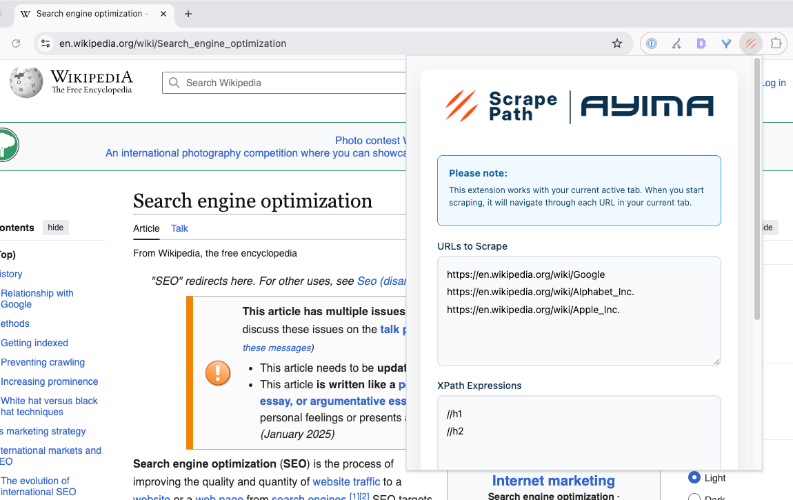
Scrape Path is a lightweight, no-code scraping tool built for SEOs, data analysts and digital marketers. Easily extract content, titles, headings, meta data, links, images and any on-page elements from any webpage using customizable XPath patterns - all without writing a line of code. Share your configs with friends and colleagues with our Import/Export feature. Then simply export your data to CSV. Speed up content audits, SERP research, and competitor analysis directly from your browser.
- No-code content scraping
- Custom pattern extraction
- Export to CSV
- Ideal for SEO audits